
Check-In & Check-Out at The Red Horse Inn
Check-in: after 4 p.m.
There is no front desk, and no online check-in is needed, so you can go straight to your room or cottage. Your key will be in the door.
Checkout: by 11 a.m.
When you are ready to leave, complete checkout in your Guest Portal so Christian knows you have departed. See the checkout steps below.
Your gate code will be sent in a separate email on the day of arrival. Follow the directions below to find your accommodation.
The card on your reservation will be used for your final balance. To change it, add your preferred card through your Guest Portal before arrival. If you need help, call the in-house priority line at 864-735-0719.
Find Your Room or Cottage
Here’s a bird’s-eye view to help you find your way. Tap your room or cottage for directions. You can also choose it by name from the map menu. If you’re on your phone, the larger map may be easier to use.
At the first fork: keep left for Huntbox, Carriage Bay, Springhouse, Hayloft and Grainary cottages. Keep right for the Main Inn rooms and Stables Cottage. The directions below will walk you through where to park and how to find your door.
Getting to The Main Inn Rooms
It's important to familiarize yourself with our property with a birds-eye view of the property so you don't get turned around. Here is a zoomed-in view of our Inn (change it to satellite to see it properly). You will be coming in off of North Campbell Rd. Once on Winstons Case Ct (our gravel road), you'll have about a quarter-mile drive to the Main Inn. When you reach the first fork in the road, stay to the right, and then follow the signs "To the Inn". The road will widen with a "Main Inn Guest Parking" sign with a parking lot just beyond. Go ahead and park in any of the spots to the right of the magnolia tree. The rooms are up the brick path past the koi pond and into the courtyard with the exception of the East Room. It is just past the coy pond on the right. Each room is marked with a name plaque. The Gable, Dovecote, and Croft are second-floor accommodations. You will need to open the exterior door and go up the stairs to access your room. I'll leave the key in the door to your room.
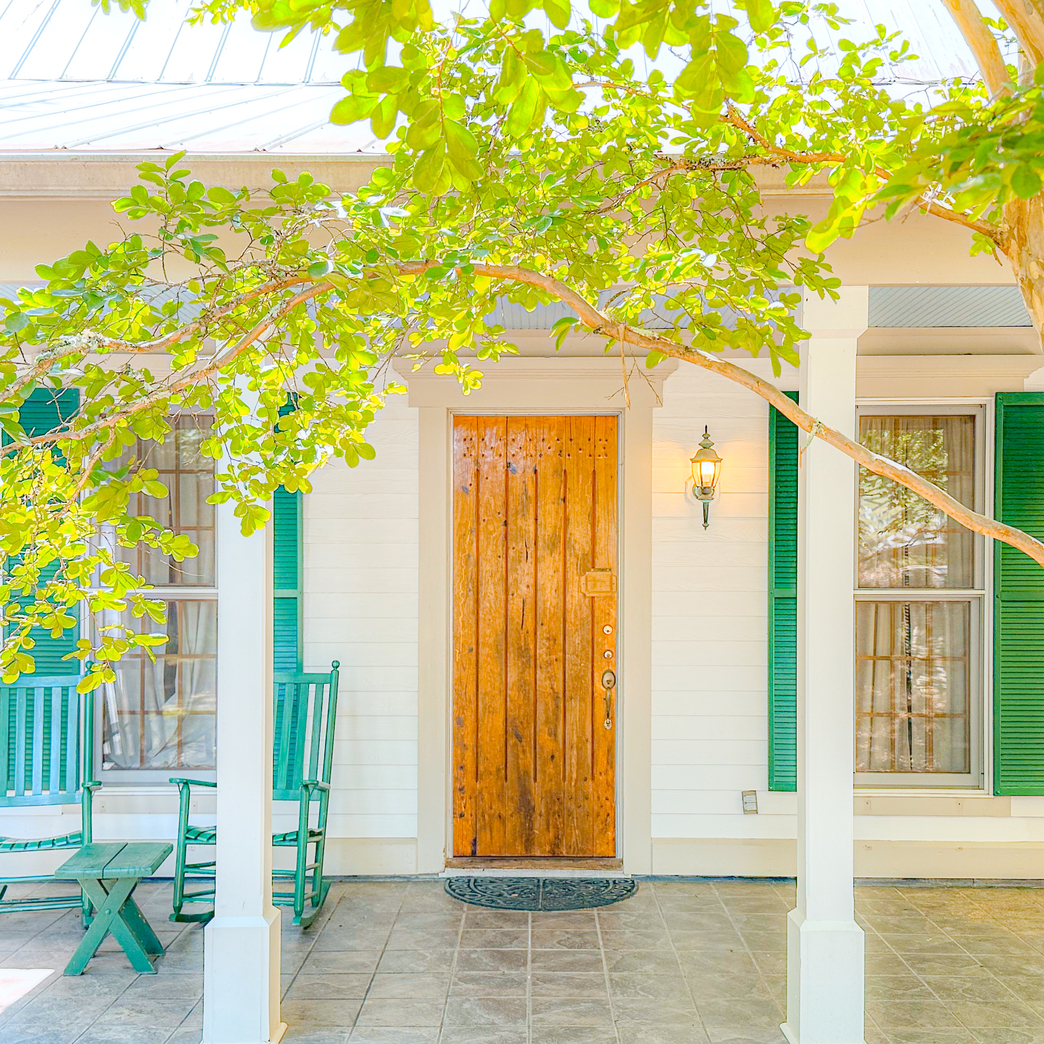
Getting to The Cottages (except Stables Cottage, see below)
Here is a zoomed-in view of our Inn (change it to satellite to see it properly).
- You will be coming in off of North Campbell Rd.
- Once on Winstons Case Ct (our gravel road), you'll have about a quarter-mile drive to the cottages.
- When you reach the first fork in the road, stay to the left.
- You will pair up with a white fence on your right-hand side. Continue straight.
- The cottages are laid out in a circle. Each one has a plaque out front with the name of the cottage. I'll leave the key in the door and a welcome card on the door.
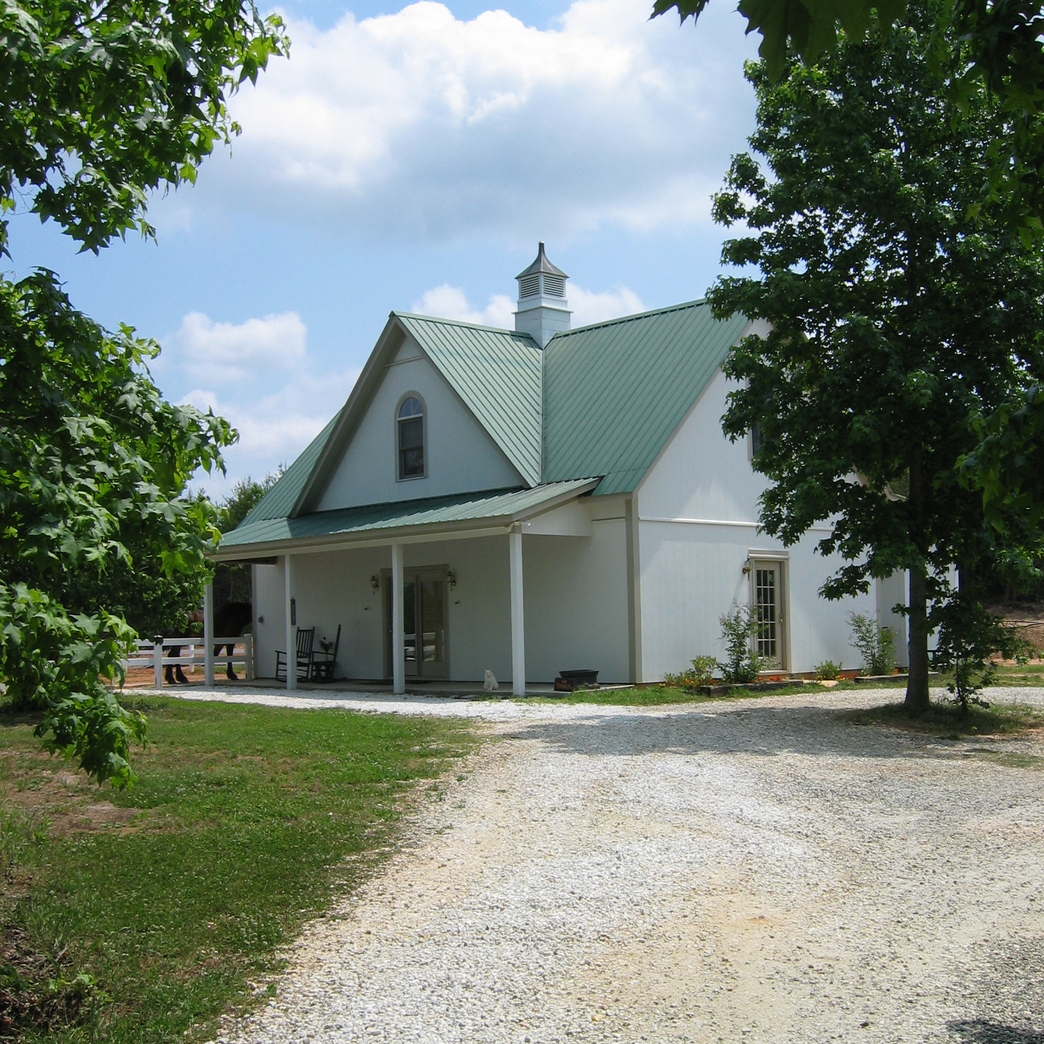
Getting to The Stables Cottage
The Stables Cottage is close to the Main Inn so the instructions are a little different. You will be coming in off of North Campbell Rd. Once on Winstons Case Ct (our gravel road), you'll have about a quarter-mile drive to the Main Inn. When you reach the first fork in the road, stay to the right, and then follow the signs "To the Inn". The road will widen with a "Main Inn Guest Parking" sign with a parking lot just beyond. Take a hard right before that sign and head down the small hill until you see the Stables Cottage. Park next to the covered area. Enter the cottage through the glass door next to the parking area.
Check-out: by 11 a.m.
Thank you for staying with us! Before you head home, we would appreciate your help with these few simple steps:
- Please turn off all lights.
- If you are staying during fireplace season, please make sure the fireplace is completely off.
- Please hang or drape your used towels over the bathtub or towel racks.
- Please leave your key in the door.
When you are ready to leave, open your Guest Portal and select “Check out & confirm departure.” Read the instructions, settle any balance due, and complete the final Check Out step so Christian knows you have departed. Opening the page alone does not confirm departure.
There is no reception visit needed. If a late departure has been arranged, you may depart any time before 2 pm. Online checkout is available on your scheduled departure date. If you leave earlier or checkout is unavailable, call the in-house priority line at 864-735-0719.
Use the reservation-specific portal link in your email, or sign in here with your last name and booking number.
Thank you for helping us care for your accommodation. We hope you had a wonderful stay and wish you safe travels!
Breakfast & Food Allergies
We provide a bread product, yogurt, breakfast bars, orange juice, and fruit. Breakfast will be set up in the kitchen closet, or in the kitchen if you are staying in a cottage. We set it up before you arrive, so it will be ready when you want it.
Before arrival, open your Guest Portal and select “Tell us about your stay.” Let us know the guest’s name, any food allergies, and any breakfast items you would like us to leave off. If you have no changes, enter “No allergies; include everything.”

Thermostat
Each accommodation has a thermostat to control the temperature. They are locked to prevent damage to the system and avoid complicated system settings. Using the thermostat is easy if you follow these instructions. If the seasons are changing you prefer it on heat when it's on cool (or vice versa) give Christian a call.
First, do not push the faceplate in or you will get a lock screen that asks for a pin (that you don't have). If you press it in, wait for about 5 minutes and it will return to the original setting.
Twist the outside bezel of the faceplate either clockwise (increase temp) or counter-clockwise (decrease temp) to the desired temperature.
Fireplace (only available during the cooler months)
Using the fireplace is easy!
- While kneeling before the fireplace, open the compartment that houses the controls by folding the slatted portion below the logs towards yourself. Inside, you will find a knob and a push-button ignitor. The Cottages don't have a compartment, so you will simply see the controls. Ensure the knob is in the "Off" position by rotating clockwise until it doesn't turn.
- Push the knob in and turn counterclockwise about a quarter turn until it slides into the "Pilot" position. Hold it in for about 30 seconds.
- While holding the knob in, push the push-button ignitor. You will see the pilot flame light if you look inside the bundle of logs. Don't let the knob out of the pilot position when you see the flame.
- Hold the knob in and allow the logs to warm up for about 15-20 seconds before releasing pressure from the knob.
- Release the knob and twist it counterclockwise to turn it on.
Please don't leave the logs on while unattended. Turn the pilot light off when you leave. If the fireplace turns off while using it, go ahead and turn the knob all the way off and wait for the unit to cool down. If you don't turn the knob off, the fire will relight later which poses a fire hazard. Fireplaces should not be burned for over 30 minutes without a break due to the risk of carbon monoxide buildup and possible health issues.

Lady Bug Season - Fall, Winter & Spring
It is Ladybug season! They tend to overpopulate during this time of the year and can be a little intrusive. I'll do my best to get them all out before you arrive but some high peaks are challenging to reach. While I'll be able to get most (or all) out, more will eventually get back in. Don't worry, they are completely harmless and tend to stay toward the ceiling where it is warmer.
Call the In-House Priority Line if you need anything. 864-735-0719

A romantic country inn located in Upstate South Carolina against the backdrop of the Blue Ridge Mountains.
|
STAY WINE BAR |
HOST AN EVENT
ABOUT |
Contact / Information
864.909.1575
e: info@theredhorseinn.com

© 2026 Red Horse Inn. All Rights Reserved|
Privacy & Legal
|
Site by ALINE, A Marketing Company